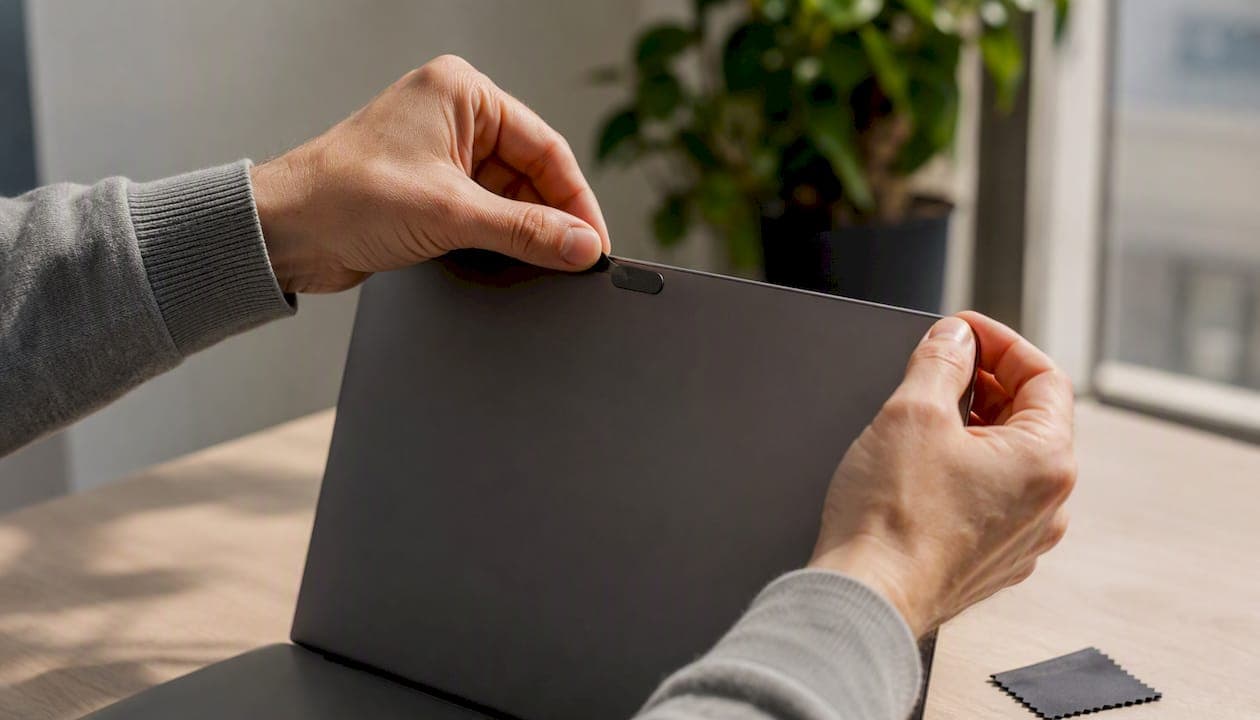
A slim adhesive slider is the safest buy for most laptop users, because it keeps thickness under 1 millimeter, closes flush with your screen, and uses a residue-free adhesive that won't leave gunk behind when you eventually swap devices. If you're shopping for a webcam privacy cover right now and just want the shortcut, that's it: skip anything bulky or unbranded, check the listed thickness before you click "buy," and match the cover to your device type first.
Here's the shortlist that covers most situations:
- Best slim slider for laptops: EscapePanda. Its universal fit and low profile make it the safest default for MacBooks and most Windows ultrabooks.
- Best design-forward slider: Targus Spy Guard. Built for larger laptop bezels and external monitors, with a mechanism reviewers consistently call smooth and durable.
- Best multi-pack value: TechPrivacy. If you're covering three or four devices in one household, this is the pack that keeps cost per unit low.
- Best metal build: Cimkiz. Thinner than most plastic sliders and more resistant to wear, though it demands careful placement near delicate screen edges.
- Best compact/low-profile pick: Supcase. A tidy rectangular slider that fits tight bezels without adding bulk.
Pro Tip: Before you buy anything, check your laptop's manual or Apple's own thickness guidance. Apple explicitly warns against closing a MacBook with a cover thicker than about 0.1 mm installed, since it can damage the display over time.
Two trust signals worth remembering as you browse listings: the camera indicator light on your device is engineered to alert you when the lens is active, and 3M-style adhesive backing (or an equivalent labeled "residue-free") is the benchmark most reputable covers use to avoid leaving sticky marks on your screen bezel.
Key Takeaways
The safest webcam privacy cover for most buyers is a slim adhesive slider under 0.1 mm thick with a residue-free bond, matched carefully to your device's exact clearance.
| Point | Details |
|---|---|
| Check thickness first | Confirm the listed thickness stays at or below the 0.1 mm range Apple recommends for laptops. |
| Verify residue-free adhesive | Look for explicit "residue-free" language or 3M-style adhesive claims before buying. |
| Match slider durability to use | Choose metal (Cimkiz) for frequent daily sliding, plastic (TechPrivacy, Supcase) for occasional use. |
| Pair with software controls | A physical cover blocks video only; combine it with camera permission settings for full protection. |
| Buy through a curated source | Deskbound's tech desk essentials page rounds up vetted picks alongside other functional desk upgrades. |
Table of Contents
- Comparing the Best Webcam Privacy Covers Side by Side
- How Do You Choose the Right Webcam Cover for Your Device?
- What Are the Different Types of Webcam Covers, and Which Material Wins?
- How Do You Install a Webcam Cover Without Damaging Your Device?
- Do Webcam Covers Actually Stop Spying, or Just Make You Feel Better?
- What Most Buyers Actually Need, and Why the Basics Still Matter
- Where to Find Reliable Home Office Picks Beyond Webcam Covers
- Frequently Asked Questions
- Sources
Comparing the Best Webcam Privacy Covers Side by Side
Once you know your device type, the differences between these covers come down to four things: how thick the slider sits, what it's made of, how the adhesive holds up, and how much you're paying per unit. Here's how the shortlisted picks stack up.
A few product listings for ultra-thin sliders advertise a thickness around 0.022 inches, roughly 0.56 mm, which comfortably clears Apple's 0.1 mm safety threshold and gives you a sense of what "thin" actually means in practice. Editorial roundups, including one from Laptop Mag, repeatedly cite EscapePanda, Cimkiz, TechPrivacy, and Targus as standouts, largely because they balance a workable slider mechanism against a thin enough profile to avoid device damage.
Here's what stands out about each pick when you look past the spec sheet:
- EscapePanda wins on sheer compatibility. It's the safe default when you're not sure exactly which model of laptop or tablet you're covering.
- Targus Spy Guard has a mechanism reviewers single out as smoother and less prone to sticking than cheaper alternatives, which matters if you slide your cover open and shut multiple times a day.
- TechPrivacy makes sense when you need to cover four laptops, two tablets, and a phone without buying four separate packages.
- Cimkiz shaves off fractions of a millimeter that matter if your laptop already has a tight screen-to-keyboard clearance.
- Supcase keeps a rectangular, no-frills shape that some users prefer over rounded sliders because it sits flatter against flush-mounted webcams.
The trade-offs run in predictable directions. Thin metal options like Cimkiz last longer mechanically but have sharper edges that need careful handling near glass. Plastic sliders like TechPrivacy cost less per unit but wear out their friction mechanism faster with heavy daily use. Adhesive longevity is the quiet dealbreaker: some retail reviews for similar covers note adhesive lasting only about 30 days on phones that get handled constantly, while the same adhesive on a stationary laptop lid can hold for years.
How Do You Choose the Right Webcam Cover for Your Device?
Picking the right cover isn't complicated, but skipping a step here is exactly how people end up with a cover that won't close flush or peels off within a month. Work through this checklist before you add anything to your cart.
- Measure your webcam area first. Look at the bezel around your camera lens, not just the lens itself. Most laptop cameras sit in a strip roughly 5 to 8 millimeters wide, and you need a cover that spans it without touching the microphone holes or ambient light sensor next to it.
- Check the listed thickness. If a product page doesn't state a thickness in millimeters or inches, that's a red flag, not an oversight. You want something at or below the 0.1 mm range Apple recommends for laptops that close flush.
- Confirm the adhesive type. Look for terms like "residue-free" or references to 3M-style adhesive backing. A listing that skips this detail entirely is one you should treat with suspicion.
- Verify compatibility explicitly. A cover marketed as "universal" should still list which device categories it's tested on. Phones, tablets, laptops, and external webcams all have different clearance needs.
- Check pack size against your actual need. Buying a six-pack makes sense for a household with multiple devices; it's wasted money if you only need one.
Beyond the checklist, a few specific questions separate a good listing from a risky one:
- Does the product page state an exact thickness, or just say "ultra-thin" with no number?
- Is the adhesive described as residue-free, or does the listing avoid the topic entirely?
- Are the exact device categories named, or is "universal" the only claim made?
- Does the listing include a return policy, or clear photos showing correct alignment over a real webcam?
Watch for these red flags specifically: no thickness listed, vague adhesive language, missing compatibility details, and product photos that show the cover sitting crooked or overlapping the microphone. Any one of these should make you scroll to the next option.
What Are the Different Types of Webcam Covers, and Which Material Wins?
Every webcam cover on the market falls into one of five categories, and each one solves the privacy problem a little differently.
Slider covers are the dominant style, and for good reason. A thin frame sticks permanently to your device, and a small tab slides left and right to open or close the lens. EscapePanda, Targus Spy Guard, TechPrivacy, Cimkiz, and Supcase are all sliders. They're reusable indefinitely since only the frame is adhered. That's a real advantage over one-shot stickers.
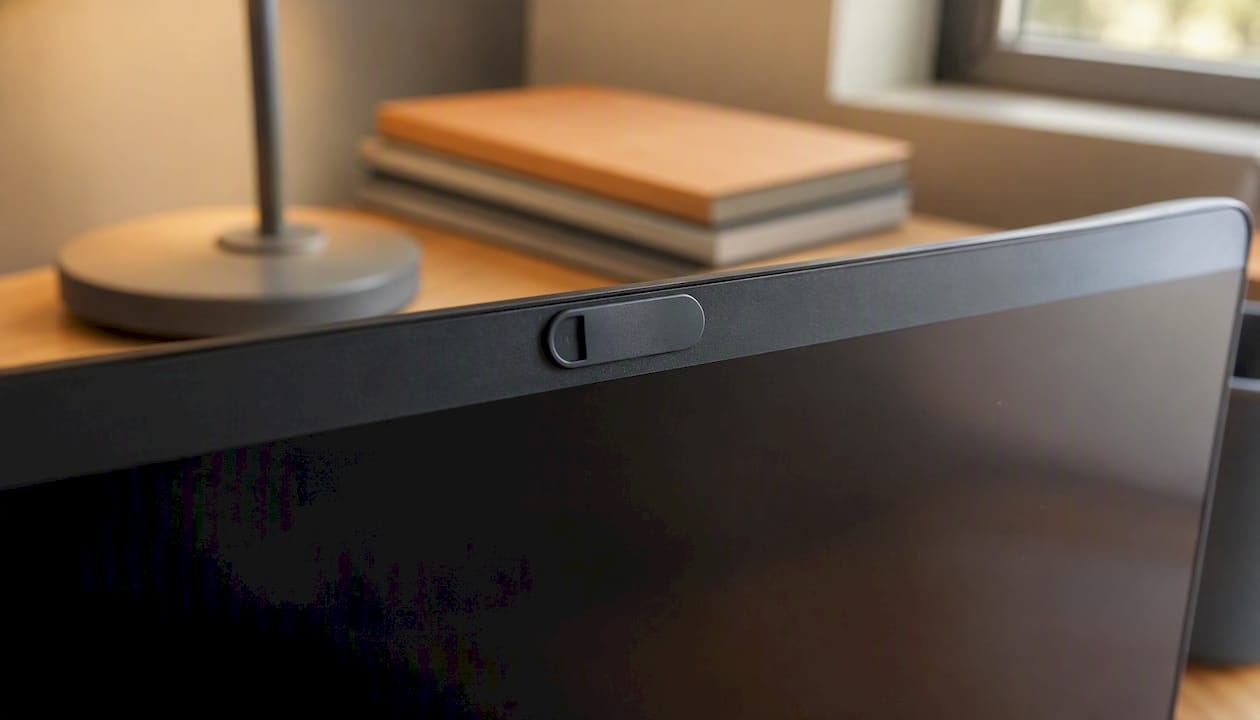
Adhesive stickers are the simplest and cheapest option. You place a small opaque patch directly over the lens and peel it off when you need the camera. They work fine for occasional use, but repeated peeling and re-sticking degrades the adhesive fast, and you lose the "quick toggle" convenience a slider gives you.
Clip-on covers attach to the top edge of a laptop screen or external monitor without any adhesive at all. They're the best choice if you don't want anything stuck permanently to your device, but they can shift out of alignment more easily than adhered options.
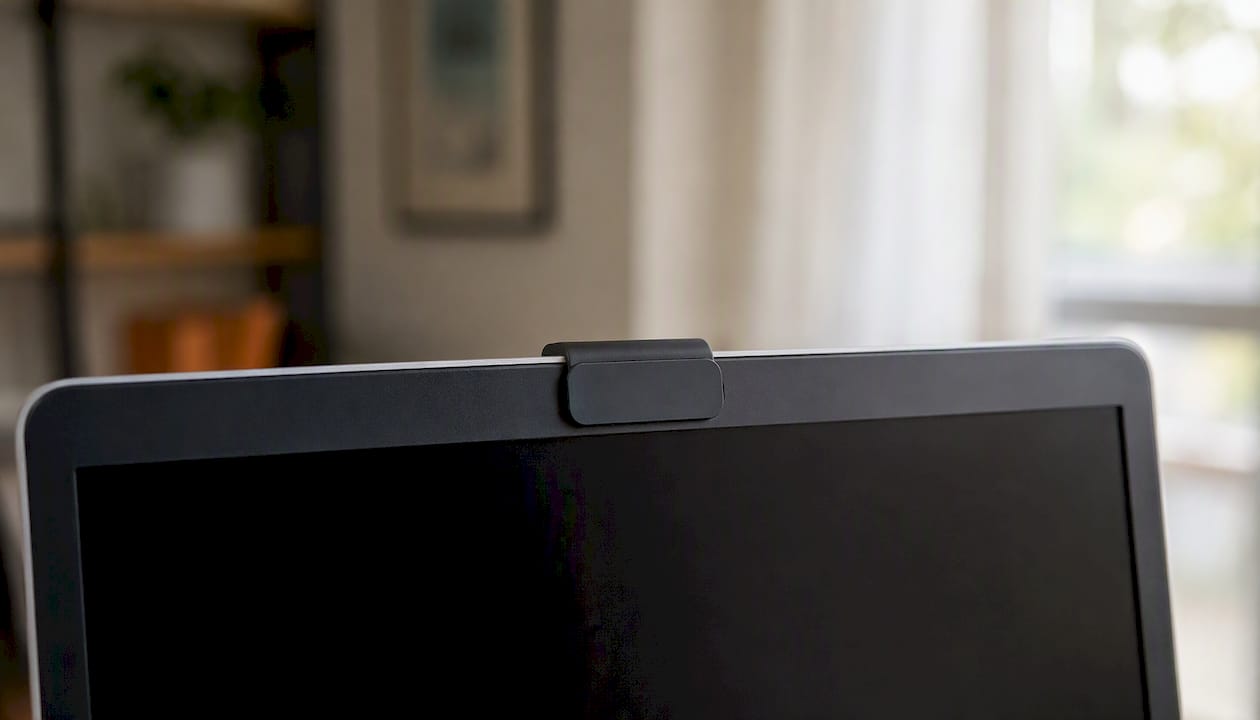
Magnetic covers use a thin adhesive base plate paired with a magnetic cap, so you can remove the cap entirely instead of sliding it. They're popular on external USB webcams like the ones used for video conferencing, since you often want full, uncovered access when recording.
Case-integrated covers are built into phone cases or laptop sleeves and require no separate installation, but they only work if you're already buying that specific case.
On materials, it comes down to a straightforward trade-off. Metal covers, like Cimkiz's, tend to be thinner and hold their slider tension longer, since metal resists the wear that eventually makes plastic sliders feel loose or gritty. The cost is that metal edges can be sharper, so placement near a glass screen bezel calls for a steadier hand. ABS plastic, used by Targus, TechPrivacy, and Supcase, is more forgiving to install and typically cheaper, but the slider mechanism can loosen faster under heavy daily use.
Pro Tip: If you open and close your webcam cover multiple times a day, lean toward a metal slider like Cimkiz. If you're a light user who mostly leaves the cover shut, a plastic slider from TechPrivacy or Supcase will serve you just as well at a lower price.
Pack sizes and pricing follow a predictable pattern too. Single sliders for one device typically run cheaper per unit than multi-packs, but if you're covering more than two devices, a pack from TechPrivacy or a similar multi-pack seller almost always beats buying individually.
How Do You Install a Webcam Cover Without Damaging Your Device?
Installation takes less than five minutes, but the small steps you skip are exactly what causes covers to peel early or sit crooked. Follow this sequence.
- Clean the surface. Wipe the area around your webcam with a dry microfiber cloth. Any dust or oil under the adhesive will shorten its life dramatically.
- Let it dry completely. Even a trace of cleaning solution left on the surface will weaken the bond before it sets.
- Align the cover over the lens, not the indicator light. Manufacturer guides, including AnkerWork's installation instructions for its own webcams, stress positioning the cover so it never obscures nearby microphones or LED indicators.
- Press firmly for the recommended time, usually 10 to 15 seconds, so the adhesive makes full contact with the surface.
- Let the adhesive cure for a few hours before sliding the cover open and shut repeatedly. Rushing this step is a common reason covers shift out of position within the first week.
Two safety warnings matter more than the rest. First, Apple specifically warns against closing a MacBook, MacBook Air, or MacBook Pro with a cover thicker than roughly 0.1 mm installed, since the added thickness can press against the display and cause lasting damage. Second, don't let the cover creep over your ambient light sensor. That sensor controls automatic screen brightness, and blocking it accidentally is one of the most common installation mistakes people don't notice until their screen stops adjusting properly.
On maintenance: check your slider every few months for looseness or drifting, a sign the friction mechanism is wearing out. If you notice the adhesive lifting at the corners, that's your cue to replace the cover rather than wait for it to fall off entirely.
Avoid one shortcut entirely: don't use household tape as a substitute for a dedicated cover. Standard tape leaves sticky residue on your lens over time, which degrades image quality and attracts dust, and it lacks the thin, engineered profile that keeps device thickness safe. A five-dollar dedicated slider will outperform tape in every practical sense.
Do Webcam Covers Actually Stop Spying, or Just Make You Feel Better?
A physical cover blocks exactly one thing: what your camera can visually capture. That's it. It does nothing to stop malware from accessing your microphone, taking screenshots, logging keystrokes, or reading files. If your device is compromised, a webcam cover won't fix that. It just guarantees the attacker gets a black frame instead of your living room.
That narrow scope is precisely why security-conscious reviewers still recommend covers as a layer, not a solution. Apple's own guidance frames the camera indicator light as the primary signal that your camera is active, with physical covers positioned as a backup, not a replacement, for software-based permissions and awareness. The logic holds up: software controls fail silently sometimes, but a slider that's physically closed fails in exactly one direction, closed, which is the direction you want.
Where things actually go wrong isn't the concept of a cover, it's the installation. A cover that's crooked, one that's already peeling, or one that blocks the wrong sensor accomplishes nothing. Good adhesive and careful alignment are what separate a cover that works for years from one you're replacing every few months.
Pro Tip: If you use an external USB webcam for video calls, a magnetic cap style is often more practical than a slider. You can remove it entirely before a meeting instead of fumbling with a small slide tab on a round camera housing.
What Most Buyers Actually Need, and Why the Basics Still Matter
Most people overthink this purchase. You don't need the thinnest cover on the market or the most expensive metal build. You need one that's reliably thin enough to close your laptop safely, uses adhesive that won't leave a mess, and doesn't wander off-center after the third time you slide it open.
If I had to point you toward one category, it's the slim adhesive slider, exactly the kind EscapePanda and Targus Spy Guard represent. The checklist earlier in this piece isn't decoration. Thickness and adhesive quality are the two things that actually determine whether you're happy with this purchase in six months or annoyed by it. Skip the flashy marketing copy and look for the number: how thin, in millimeters, and whether the listing actually says "residue-free." Everything else is preference.
Where to Find Reliable Home Office Picks Beyond Webcam Covers
A webcam cover solves one small but real problem on your desk. Deskbound exists to solve the rest of them, the cable clutter behind your monitor, the desk that's too small for your setup, the ergonomic gaps most people never think to fix until their wrists start complaining.

Deskbound's picks focus on function first, the same principle behind recommending a slim, residue-free slider over a flashy cover that doesn't fit your laptop. If you're already tightening up your desk's privacy and security, it's worth doing the same for the rest of your setup. Deskbound's guide to small desk setups walks through the same kind of practical, no-nonsense product logic, matching real fixes to real problems instead of chasing aesthetics. This article contains affiliate links, and Deskbound may earn a commission if you purchase through them at no extra cost to you. Start with the tech desk essentials page to see the current curated picks and check what fits your setup today.
Frequently Asked Questions
Does a webcam privacy cover damage my laptop screen? Only if it's too thick. Apple specifically warns against closing a MacBook with a cover thicker than about 0.1 mm, since the extra bulk can press against the display over time. Stick to sliders under that threshold and you're fine.
Can I just use tape instead of buying a cover? It's not a good long-term substitute. Household tape leaves sticky residue on the lens, attracts dust, and lacks the engineered thin profile that keeps your device's clearance safe.
Do webcam covers block hackers from accessing my microphone too? No. A physical cover only blocks the camera's visual feed. It does nothing for microphone access, screenshots, or other forms of malware activity, which is why pairing a cover with software permission controls matters.
How long does a webcam cover's adhesive typically last? It varies by device and handling. Adhesive on a stationary laptop lid can hold for years, while covers on frequently handled phones sometimes need reapplying within about a month.
What's the difference between a slider and a sticker cover? A slider stays permanently attached with a movable tab you slide open and shut, making it reusable indefinitely. A sticker is a one-time patch you peel off entirely, which wears out the adhesive faster with repeated use.
Sources
- Don't close your MacBook, MacBook Air, or MacBook Pro with a cover over the camera - Apple Support
- Best Webcam Covers to Safeguard Your Privacy | Laptop Mag
- How to Install the Privacy Cover on My PowerConf Webcam? - AnkerWork Support
- Webcam Cover Slide, 6 - PackUltra-Thin Web Camera Cover for Laptops, PC,Computer and Apple Devices like MacBook,iMac, iPad and iPhone 6/7/8 Plus.0.022in Thick Web Blocker for Privacy and Security